
Start
Start with plain text or import supported content.
Write and format content in a free full-screen browser-based rich text editor with simple import, editing and export options.
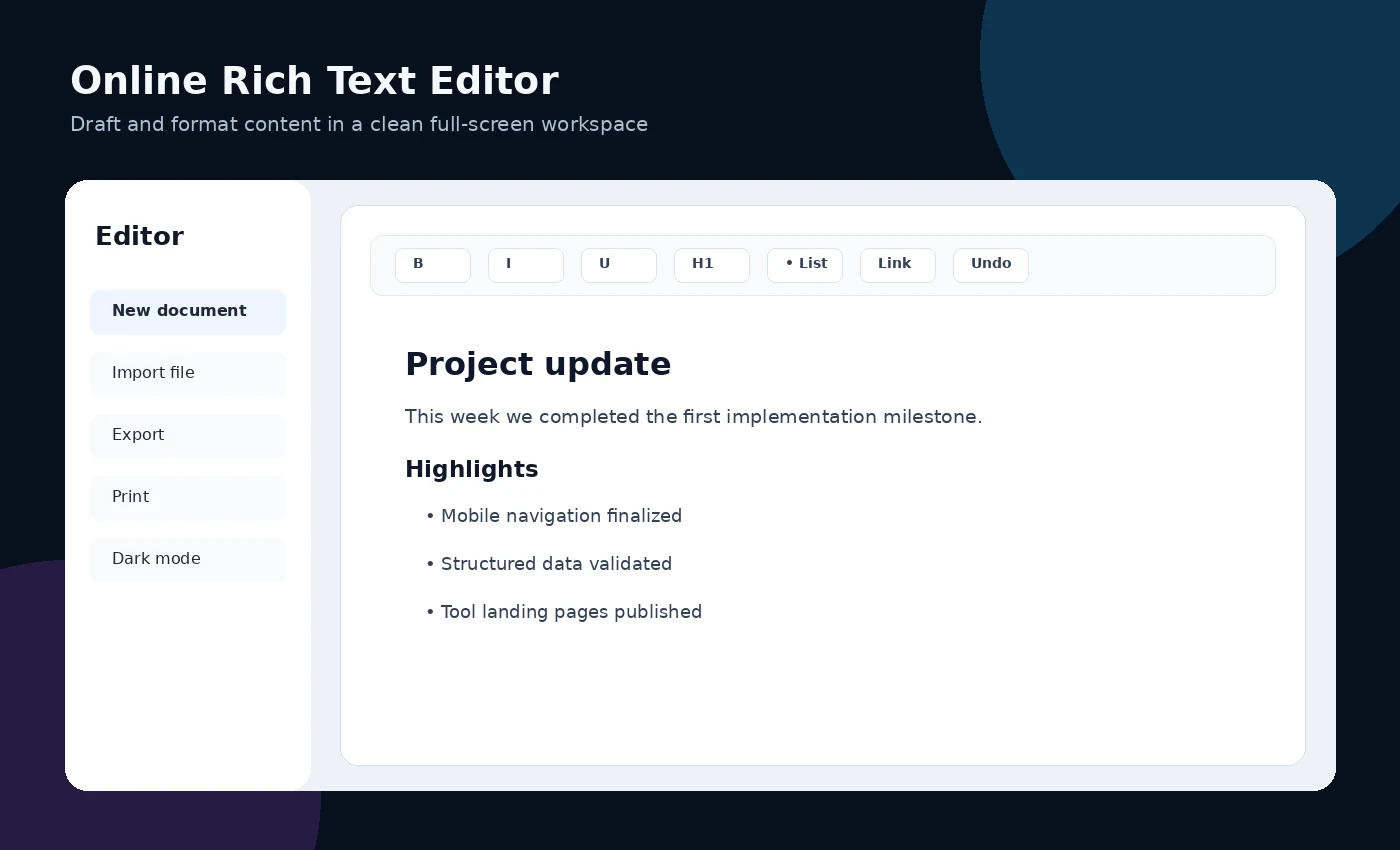
Start with plain text or import supported content.
Use headings, lists and emphasis to create a clear document structure.
Export or copy the finished text into the system where it will be stored or published.
A user can draft a formatted announcement, meeting summary or article section and export it after review.
Avoid editing confidential material until you understand storage, browser history and import/export behavior. Save important work in an approved system.
The editor is not a collaborative document platform, version-control system, secure file vault or guaranteed long-term storage service.
The tool is currently presented as a free browser-based utility. Features and availability may change.
No installation is required for the browser-based version.
The interface is designed for browser access, but complex workflows may be easier on a larger screen.
Avoid editing confidential material until you understand storage, browser history and import/export behavior. Save important work in an approved system.
The editor is not a collaborative document platform, version-control system, secure file vault or guaranteed long-term storage service.
Open the application in your browser. Review the privacy and limitations guidance before entering important information.