
Start
Create a note with a clear title and one purpose.
Use Nova Notes, a simple browser-based note-taking app for focused writing, quick notes and lightweight organization.
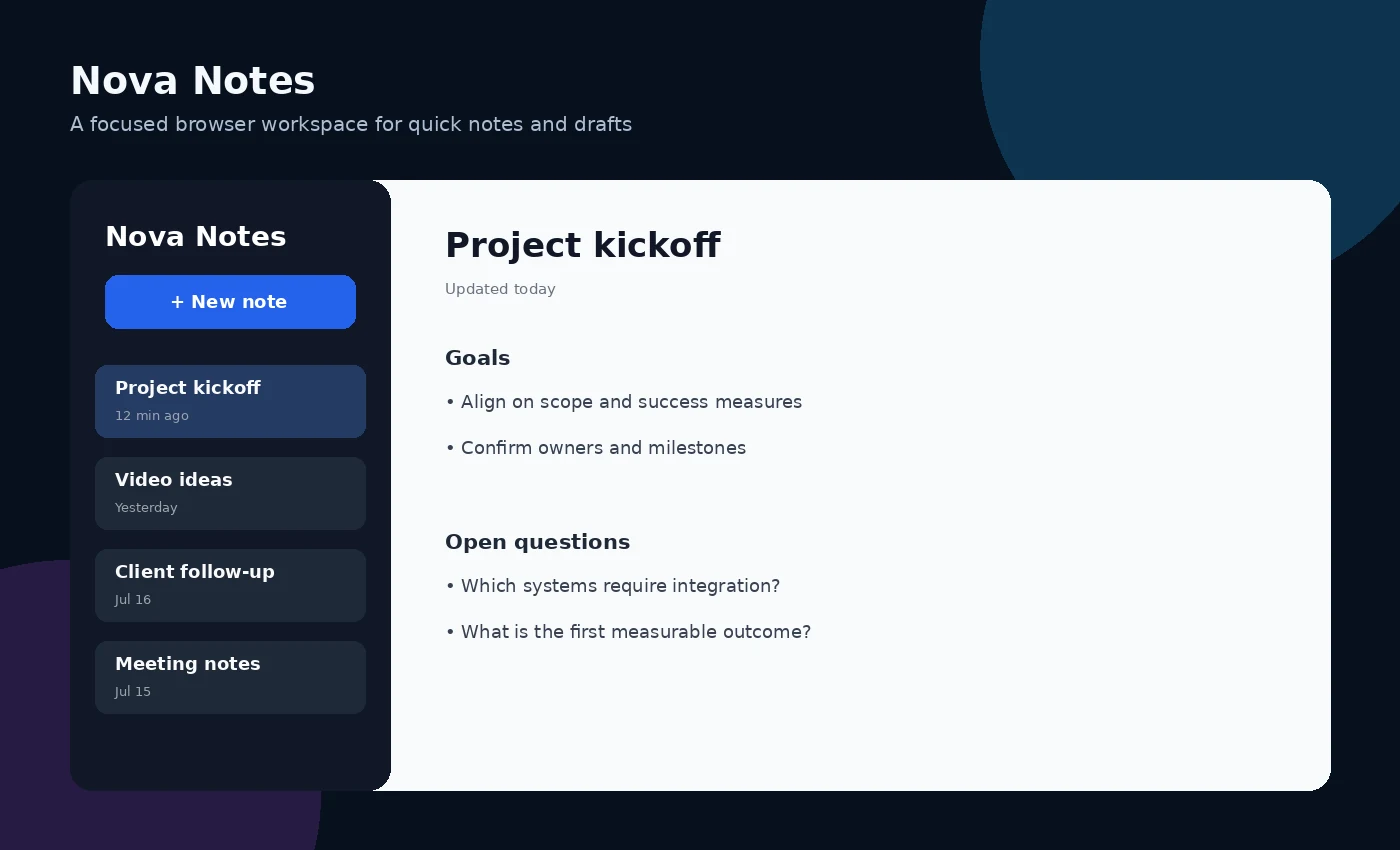
Create a note with a clear title and one purpose.
Use consistent naming so notes remain easy to find.
Export or copy important information into an appropriate long-term system.
A user can keep meeting notes, a short checklist and a draft outline in one lightweight browser workspace.
Understand whether notes are stored locally or remotely before entering personal, confidential or regulated information. Shared devices may expose locally stored notes.
Nova Notes is not a secure records repository, team knowledge base, backup service or regulated document-management system.
The tool is currently presented as a free browser-based utility. Features and availability may change.
No installation is required for the browser-based version.
The interface is designed for browser access, but complex workflows may be easier on a larger screen.
Understand whether notes are stored locally or remotely before entering personal, confidential or regulated information. Shared devices may expose locally stored notes.
Nova Notes is not a secure records repository, team knowledge base, backup service or regulated document-management system.
Open the application in your browser. Review the privacy and limitations guidance before entering important information.